Search This Blog

Monday, June 20, 2016

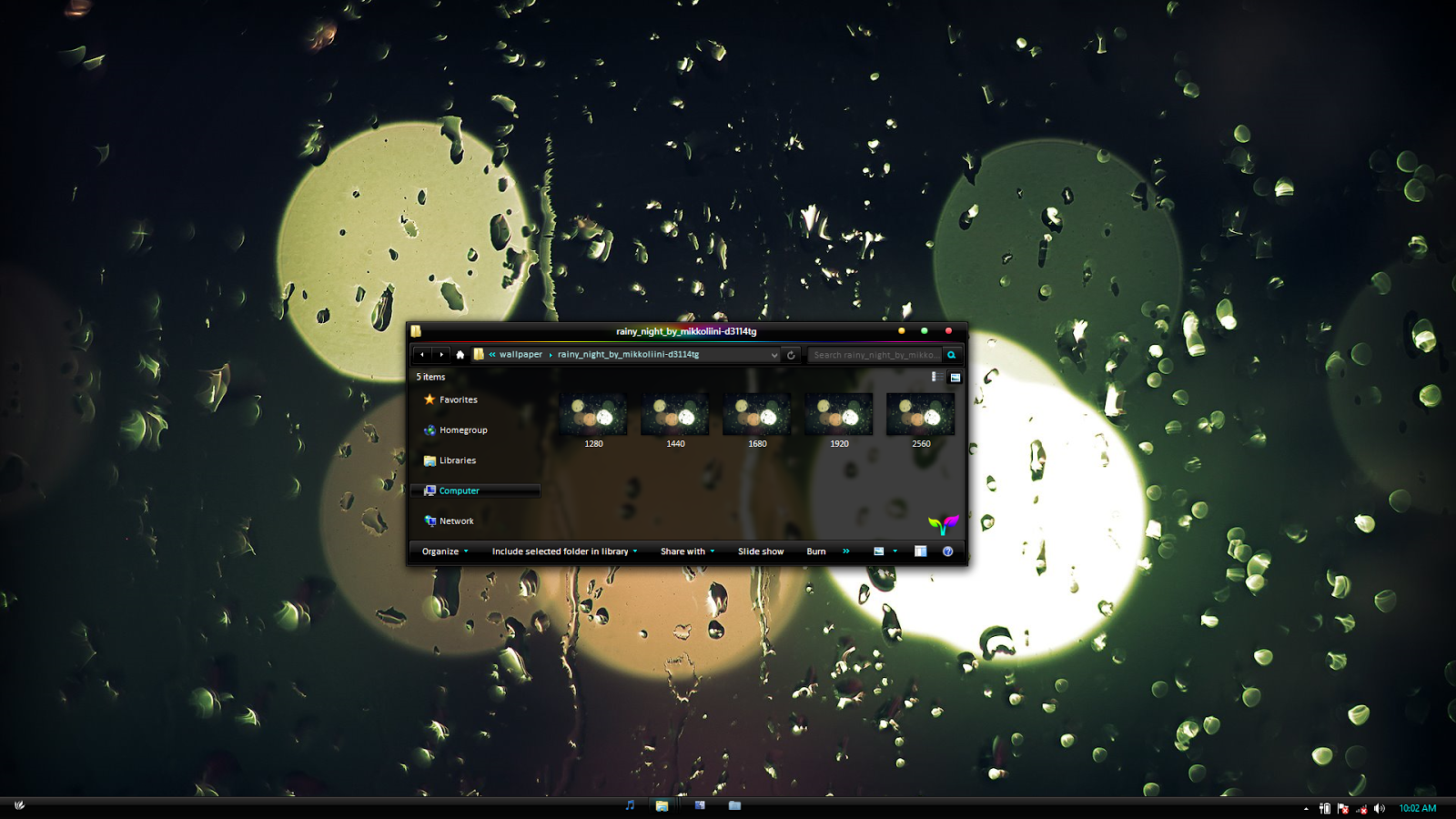
Minimal 2.0 dark for windows 10


* minimal 2.0 dark  theme for windows 10 (10586)

* Compatible for both x86 & x64 system (aero mode only)

* Package included 7 visual styles in two versions , readme file.

* first you need to install ultra ux theme patcher or ux style as per x64 or x86 your requirement.
   i use this :-   http://www.cleodesktop.com/2015/11/install-uxthemepatcher-for-windows-10.html

* copy & past both thm file  from theme folder to c:\windows\resourses\themes

* install old new explorer in old new explorer while installing don't tic on details pane but if want to use details pane than don't tic on status bg

* I use aero glass to get aero back http://www.glass8.eu/ (install aero glass as per your requirments)
 = For windows 8.1+1.4.5 while installing aero glass there is option don't tic on atals image & aero projection if u use a custome
    theme & this is a custome theme so don't tic on thoes option.

* go to personalization & set the theme


 Buy at 3.50 $


Free version


Saturday, February 27, 2016

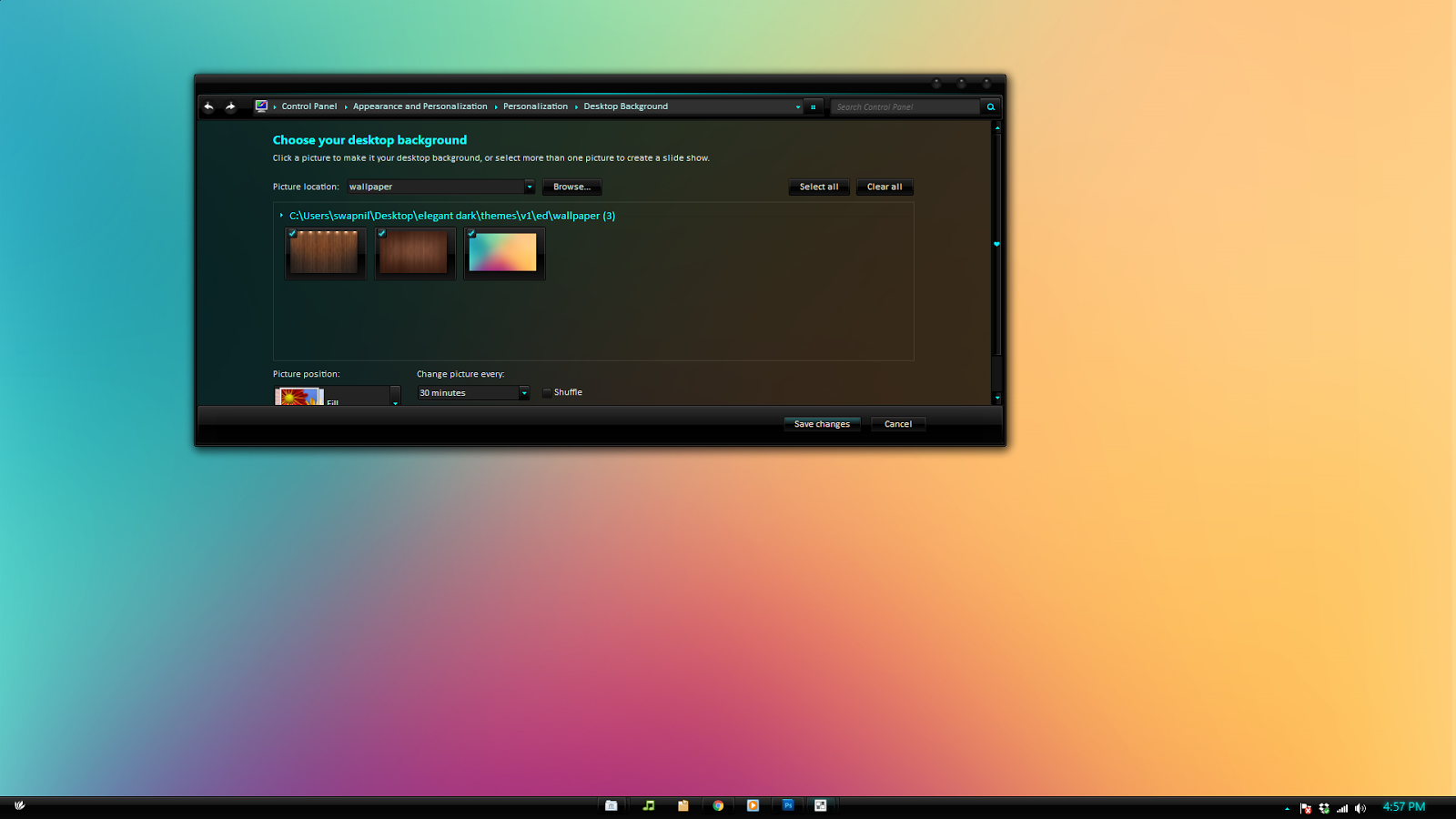
Elegant 2.0 dark for windows 10 (10586)


* Elegant dark 2.0 theme for windows 10 (10586)

* Compatible for both x86 & x64 system (aero mode only)

* Package included 28 visual styles in two versions , readme file.

* first you need to install ultra ux theme patcher or ux style as per x64 or x86 your requirement.
   i use this :-   http://www.cleodesktop.com/2015/11/install-uxthemepatcher-for-windows-10.html

* copy & past both thm file  from themes\v1\..themes\v2\ folder to c:\windows\resourses\themes

* install old new explorer in old new explorer while installing don't tic on details pane but if want to use details pane than don't tic on status bg

* I use aero glass to get aero back http://www.glass8.eu/ (install aero glass as per your requirments)
 = For windows 8.1+1.4.5 while installing aero glass there is option don't tic on atals image & aero projection if u use a custome
    theme & this is a custome theme so don't tic on thoes option.

* go to personalization & set the theme elegant dark 2.0 v1......v14..

* double click on black glass enhanced for full glass if u use this theme as dark glass included in package.

* enjoy..........


Buy at 3.50 $


Sunday, January 31, 2016

Ele


* ele theme for windows 7

* Compatible for both x86 & x64 system (aero mode only)

* Package included 1 visual styles in 1 versions , readme file.

* first you need to install ultra ux theme patcher or ux style as per x64 or x86 your requirement included in package.

* copy & past both thm file  from theme folder to c:\windows\resourses\themes

* go to personalization & set the theme & restart your pc if nececcary


* enjoy..........          


Buy at 2.30 $


Wednesday, January 20, 2016

Minimal 2.0 dark for windows 7


* Minimal dark 2.0 theme for windows 7 By Swapnil36fg

* Compatible for both x86 & x64 system (aero mode only)

* Package included 11 visual styles  , readme file.

* first you need to install ultra ux theme patcher or ux style as per x64 or x86 your requirement included in package.

* install aero blur tweaker for borderless theme (v1 to v4) included in package.

* copy & past both thm file  from theme folder to c:\windows\resourses\themes

* go to personalization & set the theme & restart your pc if nececcary

* there are two versions of this theme free version included white version & paid version included 11 11 dark vs


* enjoy..........@all rights reserved


Buy at 3.50 $


-------------------------------------------------------------------------

Free version


Wednesday, December 23, 2015

Elegant dark 2.0


* Elegant dark 2.0 a visual style for windows 8/8.1

* Compatible for both x86 & x64 system (aero mode)

* Package included 20  visual styles in two versions ,  readme file.

* first you need to install ultra ux theme patcher as per x64 or x86 your requirement.    :-   http://www.syssel.net/hoefs/software_uxtheme.php?lang=en

OR

* you can also use uxstyle for to use custome theme http://uxstyle.com/

* copy & past both them file  from theme folder to c:\windows\resourses\themes

* u need to use ribbon disabler app to disable  ribbon :- http://winaero.com/comment.php?comment.news.20

* install old new explorer included in the package while installing old new explorer don't tic on
use Details pane  but if want to use details pane than don't tic on status bg  

* I use aero glass to get aero back in win 8 install proper version of aero glass as per your system requirement  http://www.glass8.eu/
= For windows 8.1 while installing aero glass there is option don't tic on atals image & aero projection if u use a custome
    theme & this is a custome theme so don't tic on thoes option.


* I use startIsback + for startmenue  http://www.startisback.com/

go to personalization set a  theme

*  double click on black glass enhanced for full glass if u use this theme as dark glass included in package.

* use start orb from start orb folder

* enjoy..........

you can buy this theme by clicking on belows button  u can make payment from any card  
Paypal  , Download starts quickly when u make payment, . buy Elegant dark 2.0 at 3.80 $ , respect developers by buying this theme.

for Indian customers who wants to buy in INR ruppes can contact me by commenting on post  


Buy at 3.80 $


Wednesday, December 2, 2015

elegant dark 2.0 theme for windows 7


* elegant dark 2.0 theme for windows 7 by swapnil36fg

* Compatible for both x86 & x64 system (aero mode only) 

* Package included 8 visual styles in four versions , readme file.

* first you need to install ultra ux theme patcher or ux style as per x64 or x86 your requirement included in package.

* install aero blur tweaker for borderless theme (v7 & v8) included in package.

* copy & past both thm file  from themes\v1\..themes\v2\...themes\v3\...themes\v4\.. folder to c:\windows\resourses\themes

* go to personalization & set the theme & restart your pc if nececcary

* after that double click on black glass enhanced for full glass if u use this theme as dark glass included in package.

* edv5 version in v4 folder is center nav button themes depanding upon your dispaly resolution set proper theme..for
  example my display resolution is 1920x1080 so i set edv5(1920x1080) theme in personalization. 

* enjoy..........

*Note : you can buy this theme from any credit card, debit card & also via paypal.

BUY this beautiful theme


Buy Elegant dark 2.0 at 3.80$


Thursday, August 13, 2015

Minimal inspiration for windows 7


Minimal inspiration for windows 7 by swapnil36fg


* minimal inspiration theme for windows 7

* Compatible for both x86 & x64 system (aero mode only) 

* Package included 2 visual styles in two versions , readme file.

* first you need to install ultra ux theme patcher or ux style as per x64 or x86 your requirement included in package.

* copy & past both thm file from theme folder mi1 & mi2  to c:\windows\resourses\themes

* go to personalization & set the theme & restart your pc first

* enjoy..........

* respect developers by buying this theme


Buy at 3.50$